

Prerequisites
- OpenCode installed:
- Active Orq.ai account
- Orq.ai API key exported as
ORQ_API_KEY
Setup
Edit~/.config/opencode/config.json and add an Orq.ai provider using the @ai-sdk/openai-compatible package:
Auto Router
Point OpenCode at an Auto Router to let the AI Gateway select the best model automatically:orquesta-demos@orq/company-approved-models with the router name shown in AI Gateway > Auto Router.
Troubleshooting
Model not found
Model not found
The model key in
config.json does not match the model ID in the AI Gateway. Open AI Gateway > Models, copy the exact model ID (e.g. openai/gpt-5-mini), and use it as the key in the models object.Verification
Send a prompt in OpenCode. The response appears in the editor and the trace appears in Traces with the model identifier and cost breakdown.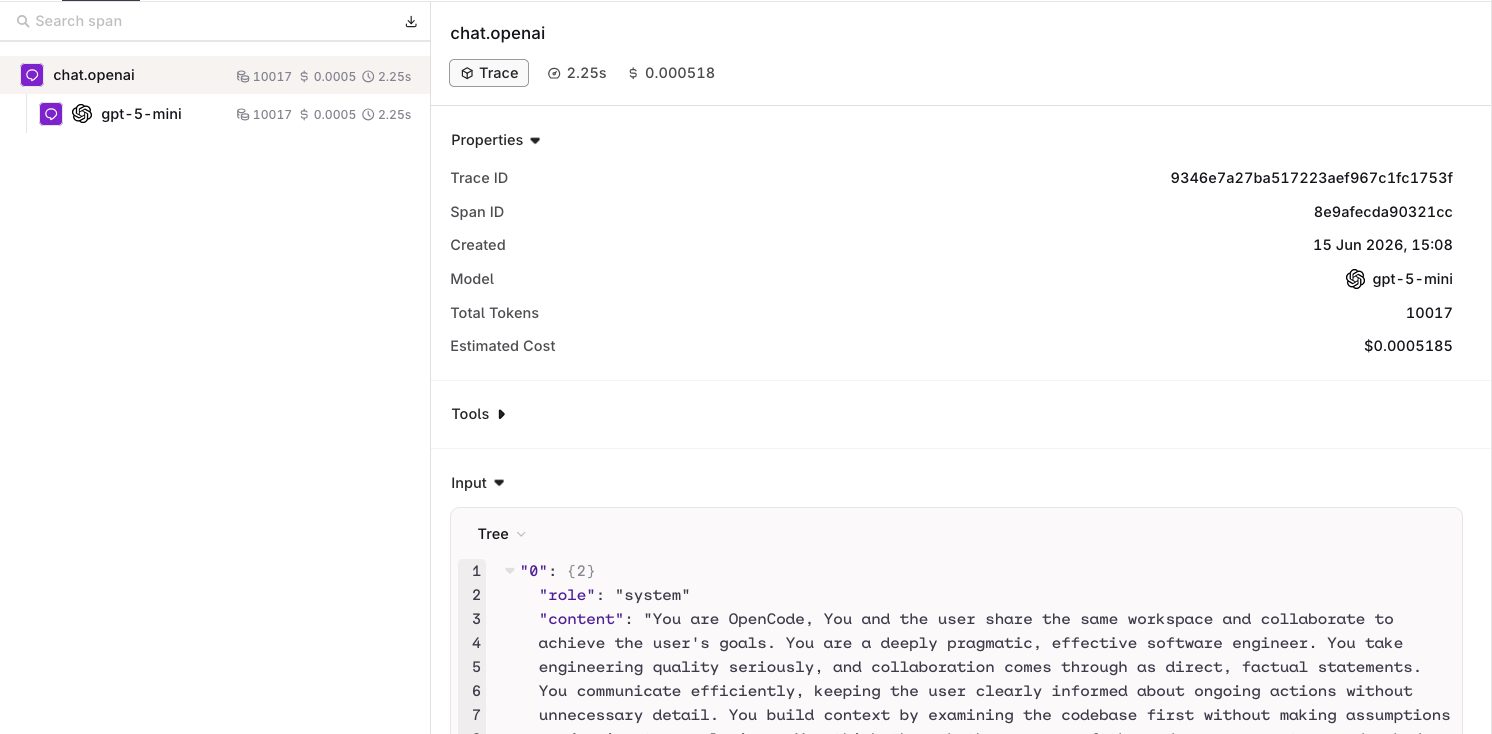
An OpenCode request routed through the AI Gateway, visible in Traces.