Overview
Warp is a modern terminal with AI capabilities and native MCP support. With the Orq MCP integration, you can access your Orq.ai workspace directly from Warp’s AI features.Prerequisites
- Warp terminal installed
- Active Orq.ai account
- Orq.ai API key
Installation
Add MCP Server
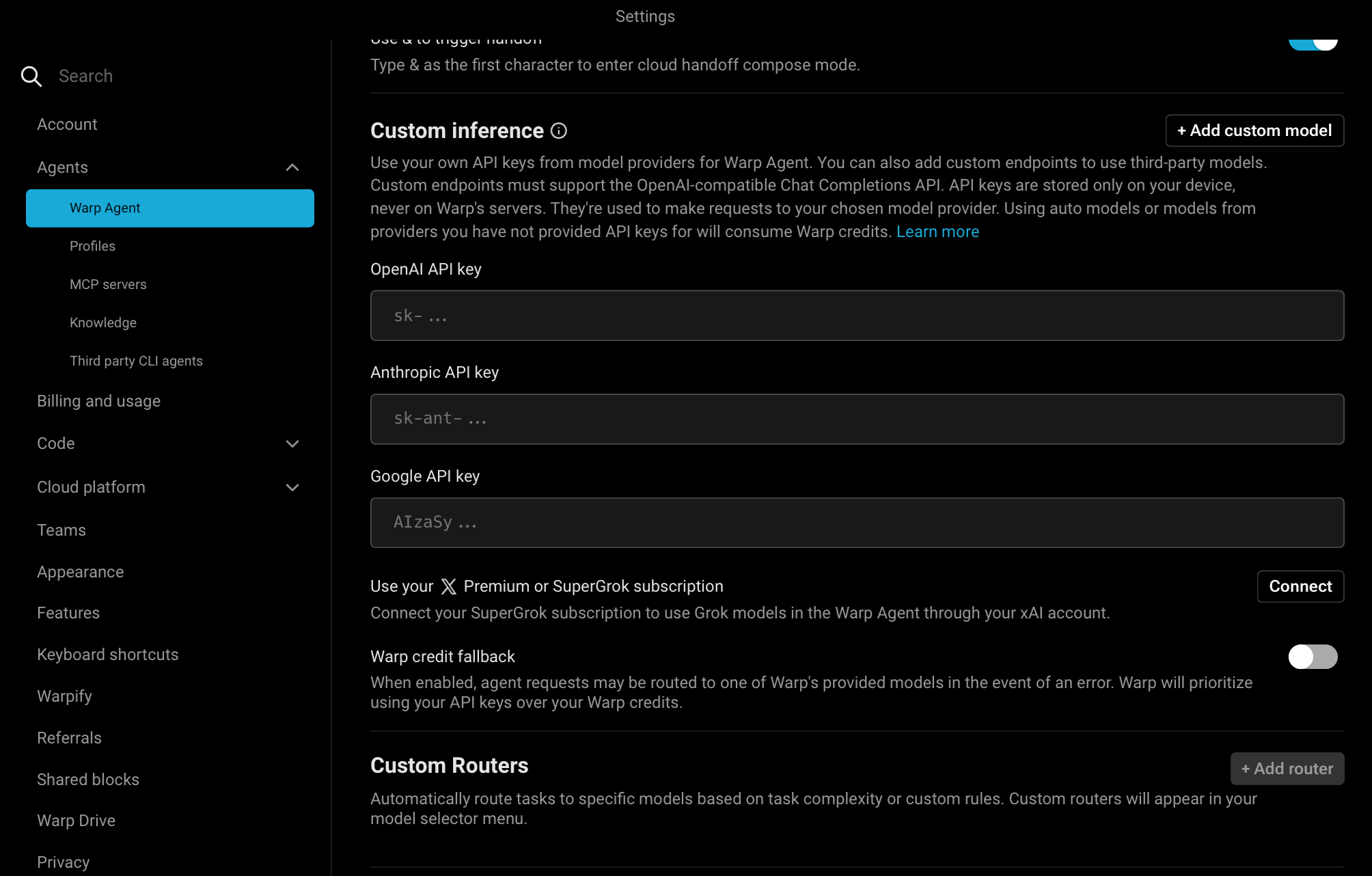
- Open Warp Settings by clicking Warp in the top-left menu, then select Settings
- Click MCP Server in the sidebar
- Click the Add button
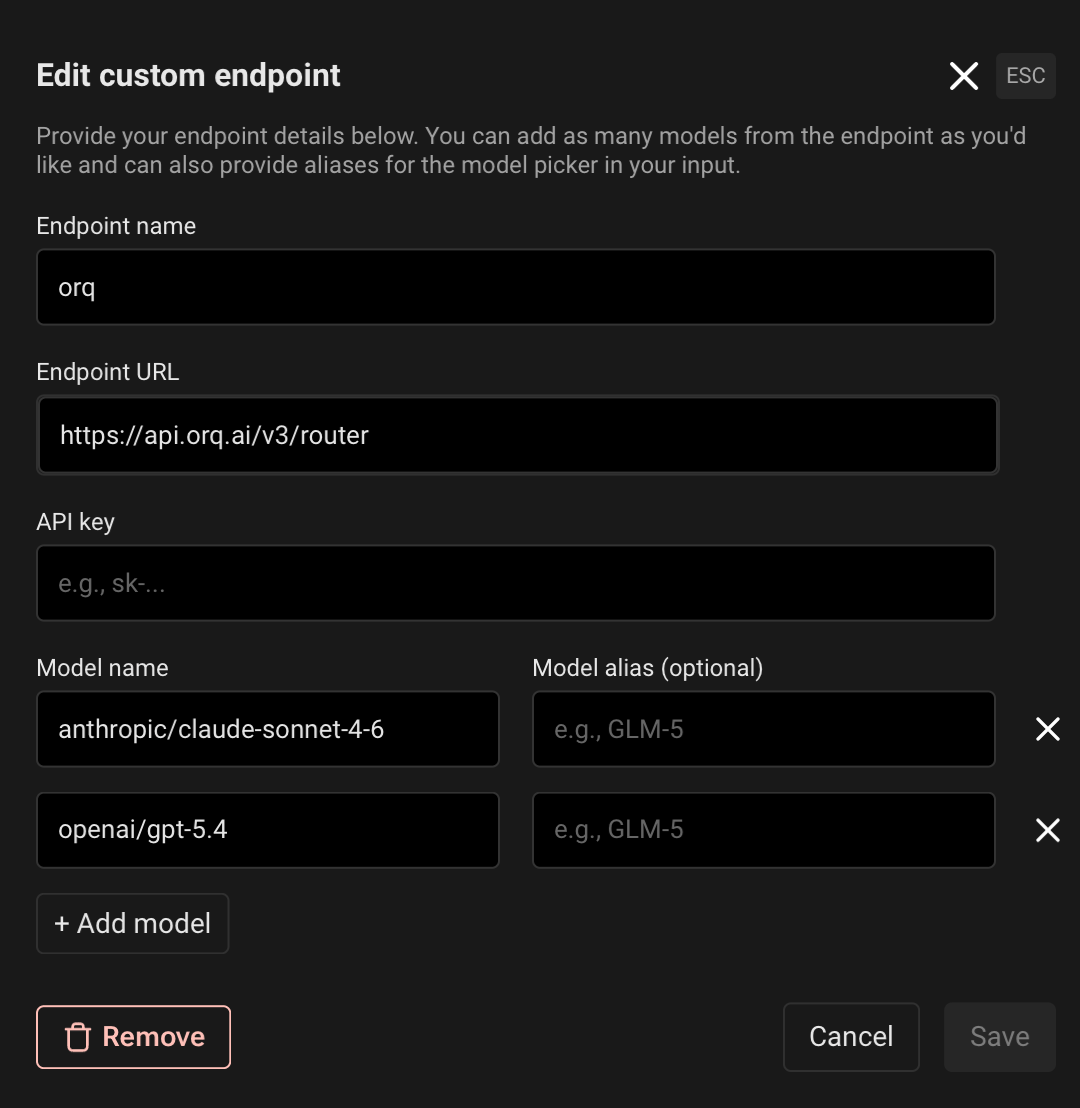
- Paste the following configuration:
- Replace
YOUR_ORQ_API_KEYwith your actual API key from Workspace Settings → API Keys - Save the configuration
Verify Installation
In Warp’s AI features, ask:
Available Commands
Use natural language in Warp to perform these operations:Agents
Agents
create an agent with custom instructions and toolsget agent configuration for [agent-key]update agent [agent-key] with new instructions or modelconfigure agent with evaluators and guardrailsinvoke agent [agent-key] with input [message]retrieve agent response [response-id]
Deployments
Deployments
create a deployment called [deployment-key]get deployment configuration for [deployment-key]
Skills
Skills
create a skill called [skill-key]list all skills in my workspaceget skill [skill-key]update skill [skill-key]delete skill [skill-key]
Analytics
Analytics
get analytics overview for my workspaceshow me workspace metrics for the last 7 daysquery analytics filtered by deployment ID
Datasets
Datasets
create a dataset called "customer-queries"list all datapoints in dataset [dataset-key]add datapoints to dataset [dataset-key]update datapoint [datapoint-id]delete specific datapoints in dataset [dataset-key]delete dataset [dataset-key]
Experiments
Experiments
create an experiment from dataset [dataset-key]list all experiment runsexport experiment run [run-id] as CSVrun experiment and auto-evaluate results
Evaluators
Evaluators
get evaluator configuration for [evaluator-key]create an LLM-as-a-Judge evaluator for tonecreate a Python evaluator to check response lengthadd evaluator to experiment [experiment-key]update evaluator [evaluator-key] with a new promptupdate Python evaluator [evaluator-key] with revised code
Traces
Traces
list traces from the last 24 hoursshow me traces with errorsget span details for trace [trace-id]find the slowest traces from todayshow all traces for thread [thread-id]
Models
Models
list all available chat modelslist all available embedding modelsinvoke model [model-id] with prompt [message]
Search
Search
search for datasets named "customer"find experiments in project [project-id]list directories in project [project-id]
Documentation
Documentation
search the Orq.ai docs for [topic]
Managing Entities
Managing Entities
delete agent [agent-key]delete experiment [experiment-key]delete evaluator [evaluator-key]delete prompt [prompt-key]delete knowledge base [knowledge-base-key]
delete_dataset to delete a dataset along with all its datapoints.Usage Examples
Chat Panel Commands
Use natural language in Warp’s chat panel:- Generate 20 synthetic API request examples
- Use
create_datasetto create a new dataset named “API Tests” - Use
create_datapointsto add all examples to the dataset - Confirm creation with the dataset ID
- Calculate the time range for the last 24 hours
- Use
list_traceswith error status filter - Display trace IDs, error messages, and timestamps
- Provide a summary of error types and frequency
- Search for the “user-queries” dataset using
search_entities - Use
create_experimentwith two configurations (one for GPT-5.2, one for Claude Sonnet 4.6) - Run the experiment against all datapoints in the dataset
- Display the experiment ID and status
Inline Code Integration
Warp can use the Orq MCP context while you’re working in the terminal:- Open Warp AI (
⌘ I) - Reference your deployment key and ask about traces or analytics
- Resolve the deployment key using
search_entities - Use
query_analyticswith the deployment filter - Set time range to the last 7 days
- Analyze performance metrics (requests, errors, latency, tokens)
- Provide insights and recommendations based on the data
Dataset Creation from Code
- Parse the JSON array from your code
- Use
create_datasetto create a new dataset with an auto-generated name - Use
create_datapointsto add each entry as a datapoint - Confirm the dataset ID and number of datapoints added
Experiment Analysis
- Search for the “customer-feedback” dataset using
search_entities - Use
create_experimentwith two prompt variants (empathy-focused and brevity-focused) and auto-run enabled - Execute both variants against all datapoints automatically via the auto-run option
- Use
get_experiment_runto retrieve evaluation metrics - Compare the two variants and provide a summary of which performed better
Performance Investigation
- Use
list_traceswith today’s date filter - Sort traces by duration (descending)
- Retrieve the top 5 slowest traces
- Use
list_spansto fetch span information for each trace - Display latency breakdowns, bottlenecks, and performance insights
Synthetic Data Generation
- Generate 50 synthetic customer support questions and expected responses
- Use
create_datasetto create a dataset named “Support Training Data” - Use
create_datapointsto add all 50 examples to the dataset - Confirm creation with the dataset ID and sample of generated questions
Troubleshooting
Orq MCP Not Responding
- Check Warp’s Orq MCP status in Settings
- Verify your API key is correct
- Restart Warp
Authentication Errors
- Confirm your API key is valid
- Ensure the API key has the necessary permissions
- Try regenerating the API key
Tools Not Available
Tools Not Available
- Verify the Orq MCP server is running in Settings
- Check network connectivity
- Review Warp’s own diagnostic output or submit a bug report