

Viewing Threads
To view Threads, open Threads in the Observability section of the sidebar.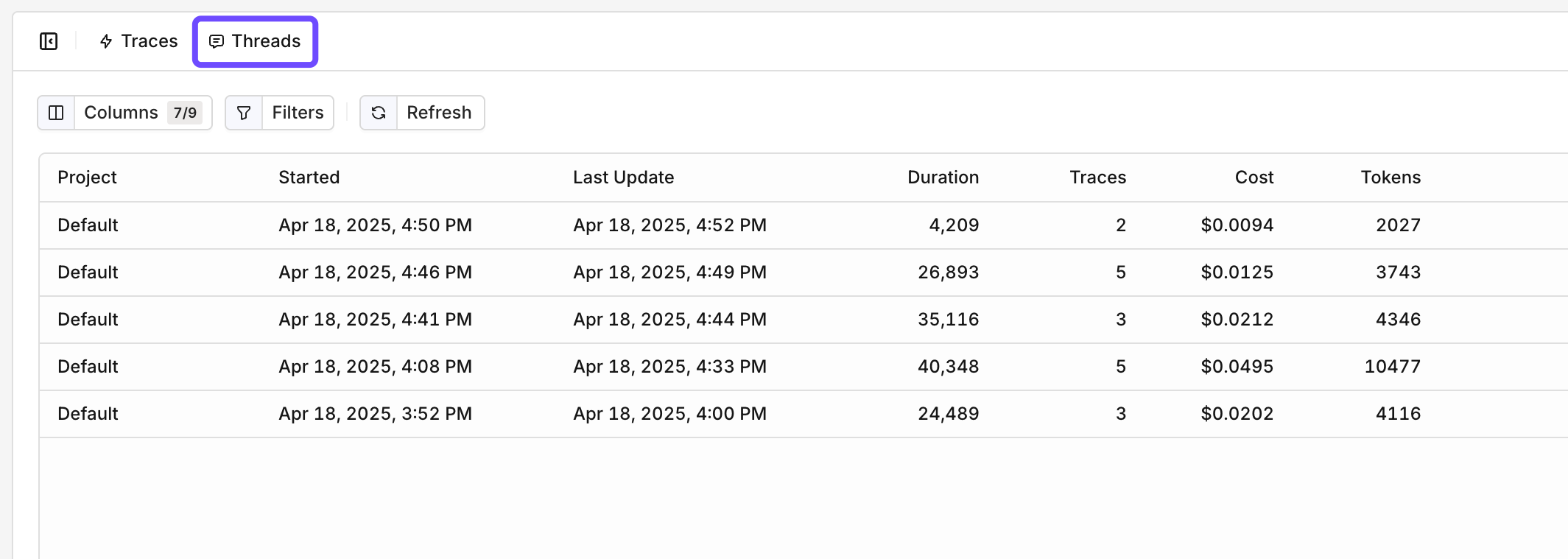
The Threads Overview, dates, duration, traces, and costs are available to see.
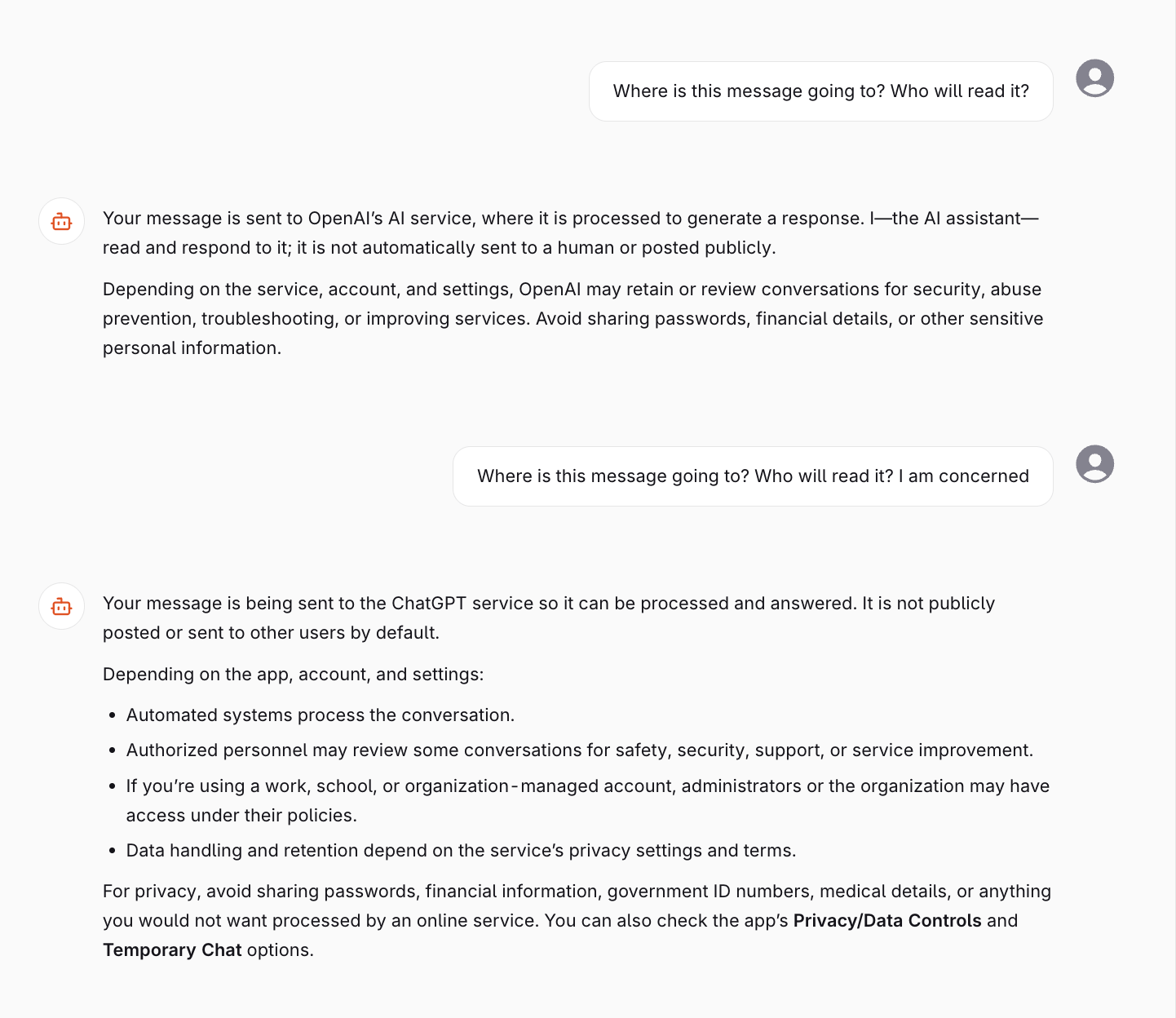
The conversation view of a Thread.
Adding a Generation to a Thread
Threads are configured at runtime when using the Invoke API for Deployments, or when invoking an Agent. The API receives the following extra parameter:Conversations will be grouped by Thread ID Tags can be used to filter and search Threads in the panel.
- Deployment Invoke
- Agent
AI Gateway Thread Management
Full API reference for attaching threads to AI Gateway Deployment and Agent invocations.