General Settings
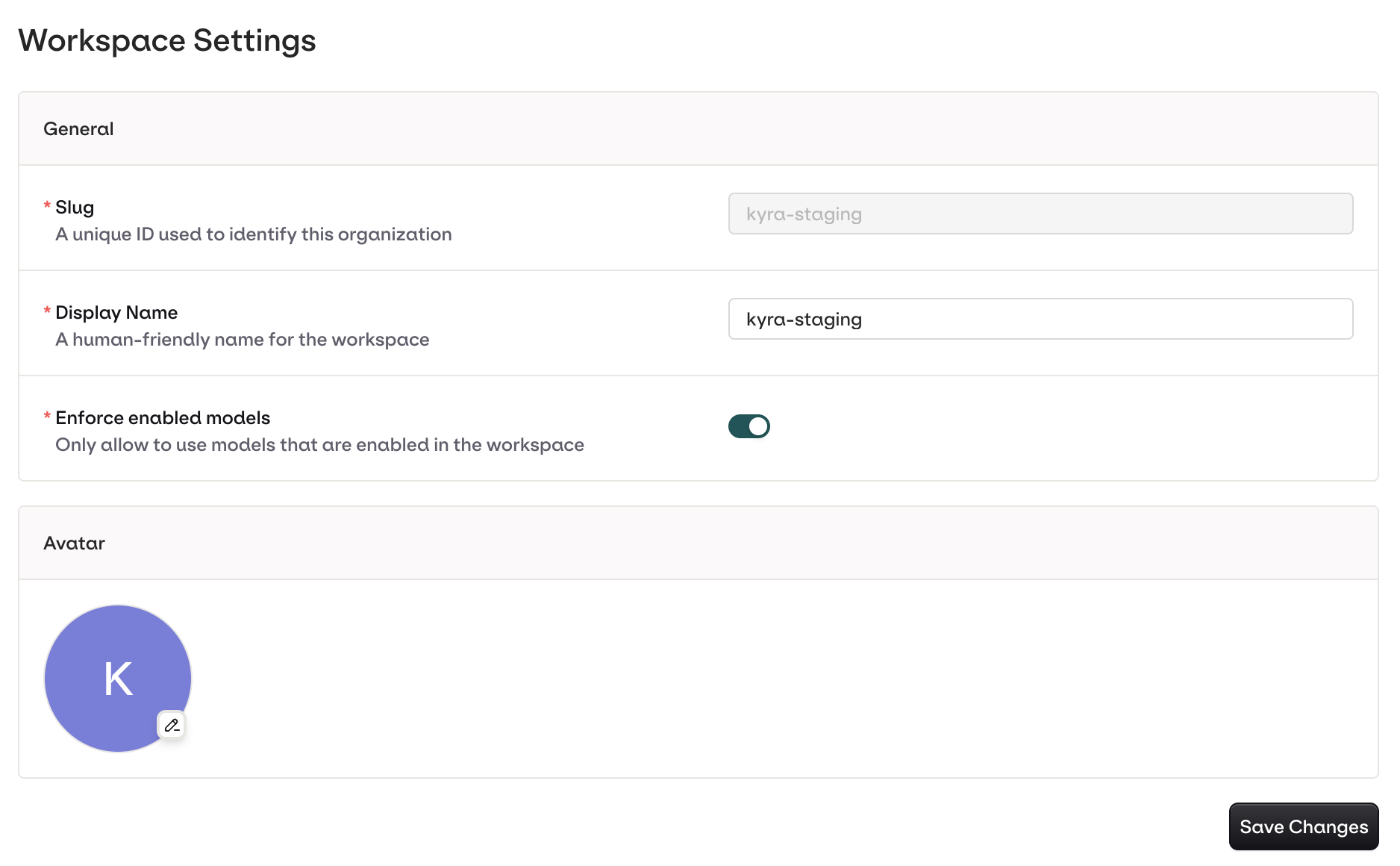
Here you can update the following:- The current Workspace Display Name
- The current Workspace Avatar
- Enforce enabled models, only allow models enabled in the workspace to be used when turned on.
Documentation Index
Fetch the complete documentation index at: /llms.txt
Use this file to discover all available pages before exploring further.
Orq MCP is live: Use natural language to interrogate traces, spot regressions, and experiment your way to optimal AI configurations. Available in Claude Desktop, Claude Code, Cursor, and more. Start now →
Configure your Orq.ai workspace name, default project, time zone, and organization-level preferences from the General Settings page in the dashboard.

Was this page helpful?