

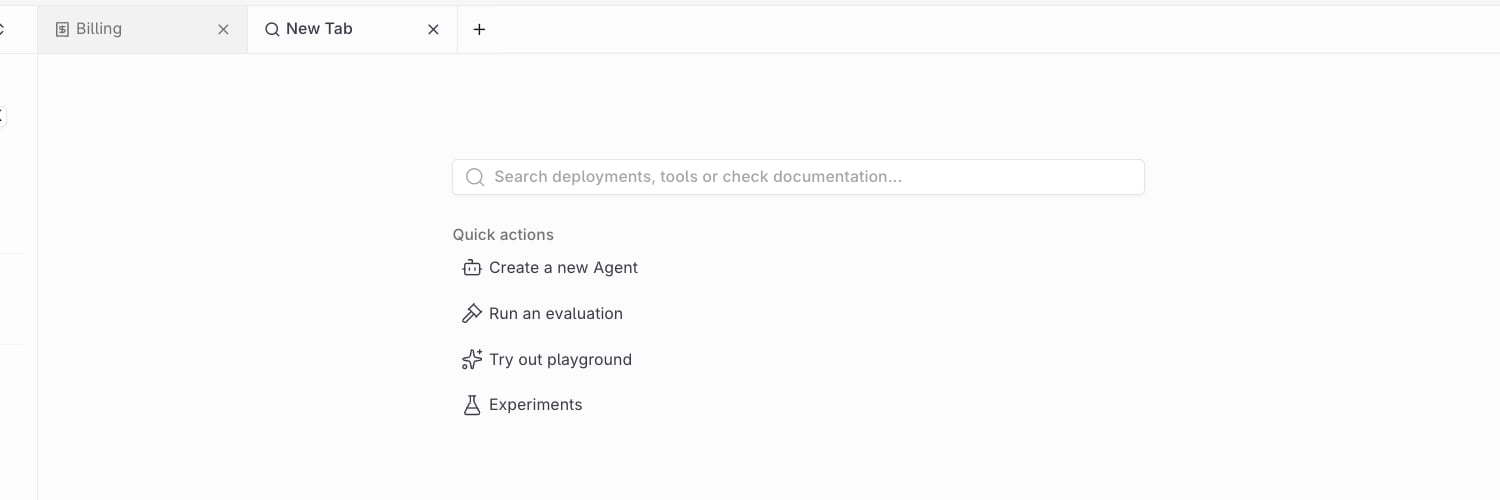
The tab bar with two open tabs, each with a close control, and the button that opens a new tab.
Enable tabs
Open Profile under Settings → Personal and turn on Show tabs. The switch is available in the AI Studio app; the AI Gateway app always shows its own tab bar.Open and close tabs
- New tab: select +. The New Tab page carries the workspace search, the same one as Search in the sidebar, with Quick actions for a new agent, an evaluation, the playground, and experiments.
- Switch: select a tab.
- Close: select × on the tab.