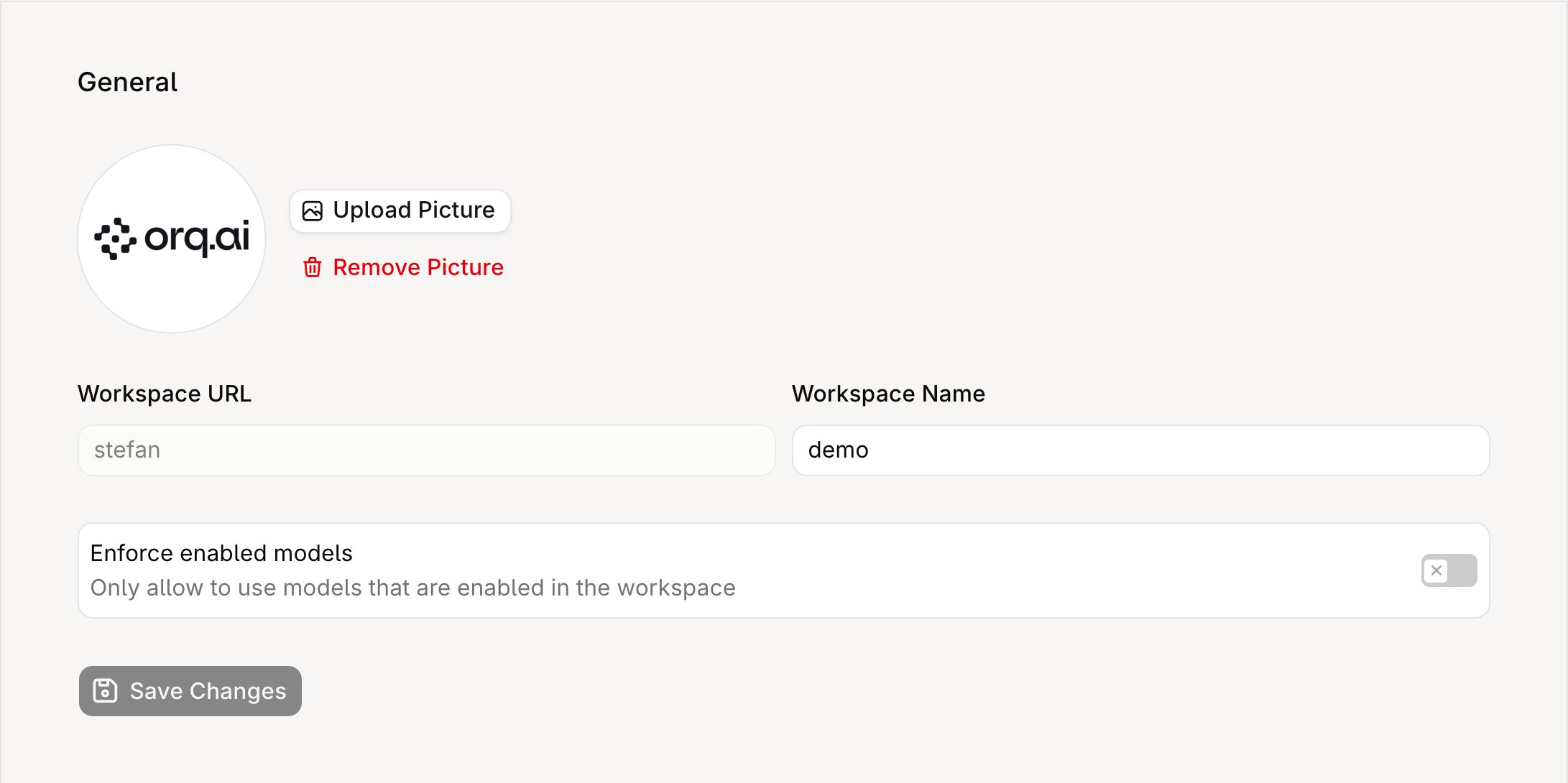
General Settings control workspace-level configuration that applies across all projects. Access them from Settings → Organization → General.
General Settings page showing the workspace avatar with Upload Picture and Remove Picture buttons, the read-only Workspace URL field, the Workspace Name field, the Enforce enabled models toggle, and the Save Changes button.

General Settings page showing workspace avatar, URL, name, and enforce-enabled-models toggle.

Only Admin and Owner roles can modify these settings.
The workspace URL (slug) is read-only and cannot be changed through the UI or API, as it is embedded in resource URLs and API credentials.

Enforce enabled models

When this toggle is off (the default), any model available through the AI Gateway can be used in Deployments, Agents, and Experiments, even if the model is not explicitly enabled for the workspace. When toggled on, only models that have been explicitly enabled in the workspace model list are available. Requests that reference a non-enabled model are rejected.

API access

Workspace settings can be read programmatically:

Delete a workspace

To delete a workspace, archive it with Update a workspace. The workspace is permanently deleted 14 days later.
cURL
The call requires write access to Workspace Settings (Management Keys). Requests to the workspace are rejected as soon as it is archived, and nothing is deleted at that point. An API key is rejected while the workspace is archived, so restore it from the dashboard: while a workspace is archived, Settings → Organization → General shows the deletion date and a Restore workspace button.
Once the 14 days elapse, the workspace and its data are permanently deleted and cannot be restored.
Workspace admins receive an email when the workspace is scheduled for deletion, a reminder shortly before it is deleted, and a confirmation once it is.

Delete an account

To delete an account, contact support@orq.ai.