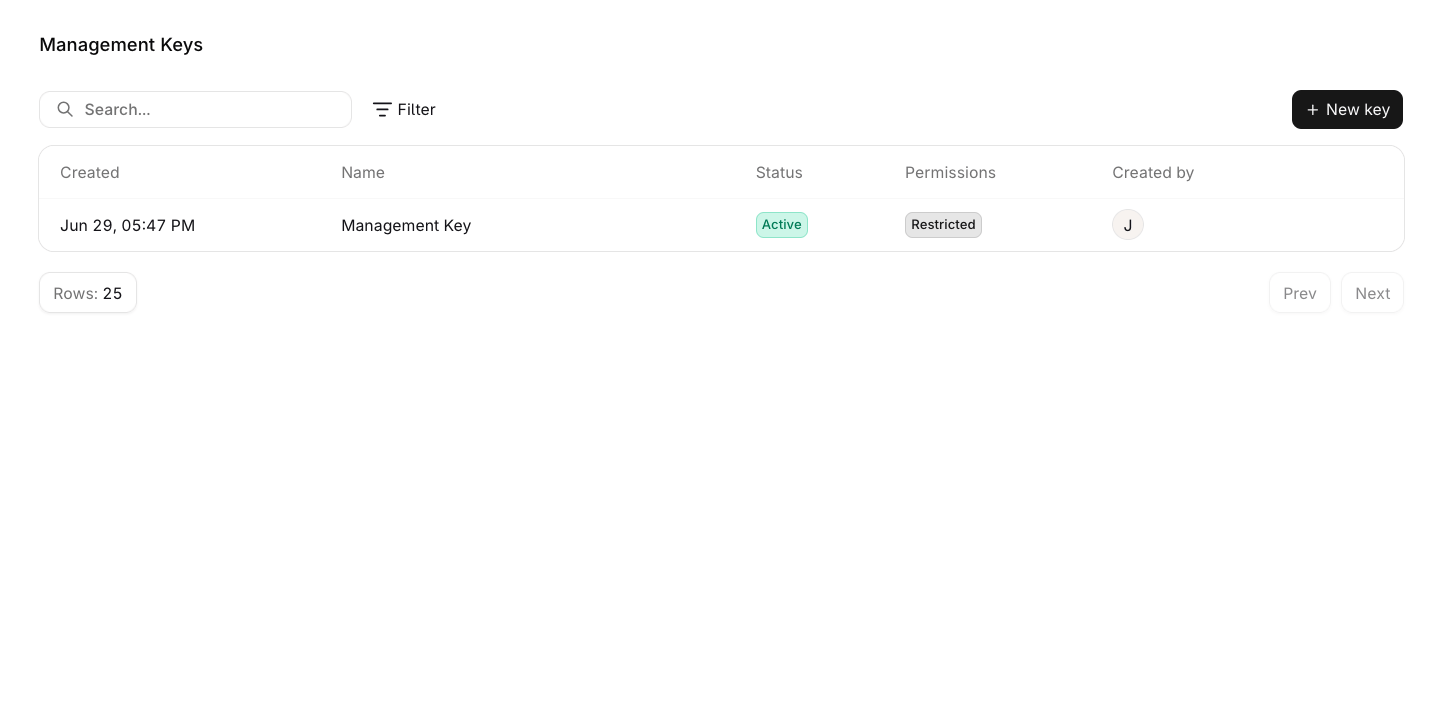
Management Keys are only available to workspace admins. The Management Keys page is not visible to non-admin members.
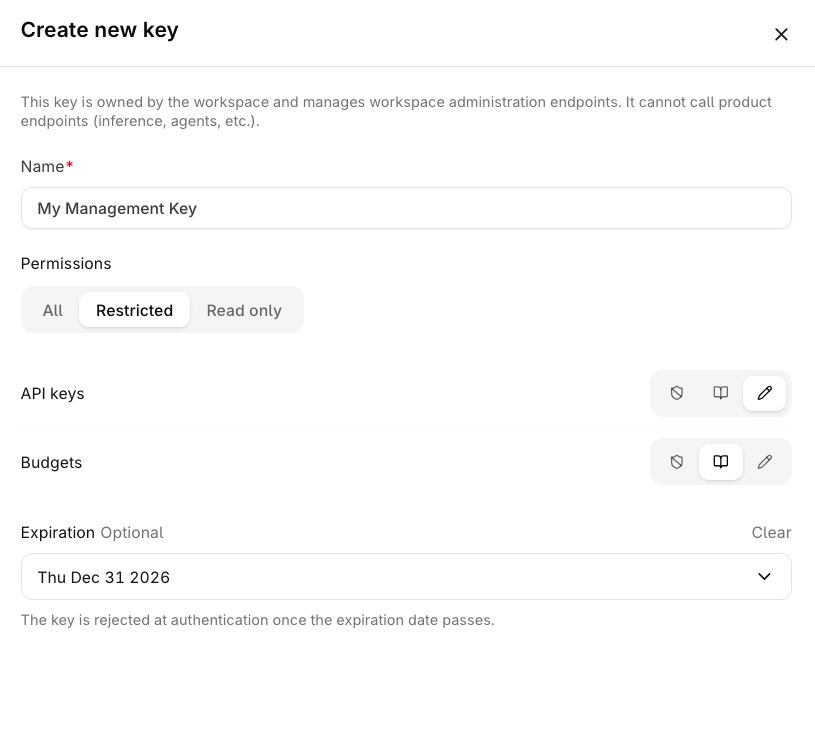
Management Keys are workspace-scoped tokens for authenticating workspace administration operations. They can manage API keys, Budgets, Projects, Smart Routers, Evaluators, Workspace models, and Workspace Settings.
Management Keys cannot be used to query models or agents. Use a standard API Key for inference and product endpoints.
Standard API keys are project-scoped. Use a Management Key for these workspace administration endpoints:
Endpoint family
Management Key access
/v2/api-keys*
List, retrieve, create, update, and delete API keys. /v2/api-keys/capabilities is public.
/v2/budgets*
List, retrieve, create, update, reset, and delete Budgets.
/v2/projects*
Manage Projects across the workspace. A project-scoped API key can only list or retrieve its selected Project.
/v2/smart-routers*
List, retrieve, create, update, enable, disable, and delete Smart Routers.
/v2/evaluators*
List, retrieve, create, update, and delete Evaluators.
/v2/workspace-settings
Retrieve or update Workspace Settings according to the key capability.
Notifiers are intentionally not listed here: their routes are project-scoped and do not require a Management Key. Project-scoped API keys can access the Notifiers API for their selected project.
List, view, create, update, and delete workspace Evaluators.
Workspace models
No access.
No list or view endpoints exist for workspace models; read access alone performs no API operations.
Enable and disable workspace models and manage their sharing.
Workspace Settings
No access.
View workspace settings.
View and update workspace settings.
Management Keys are not available through MCP. Use the REST API to manage keys programmatically. See Manage keys programmatically for the key lifecycle, permission model, and SDK examples.
Was this page helpful?
Assistant
Responses are generated using AI and may contain mistakes.