

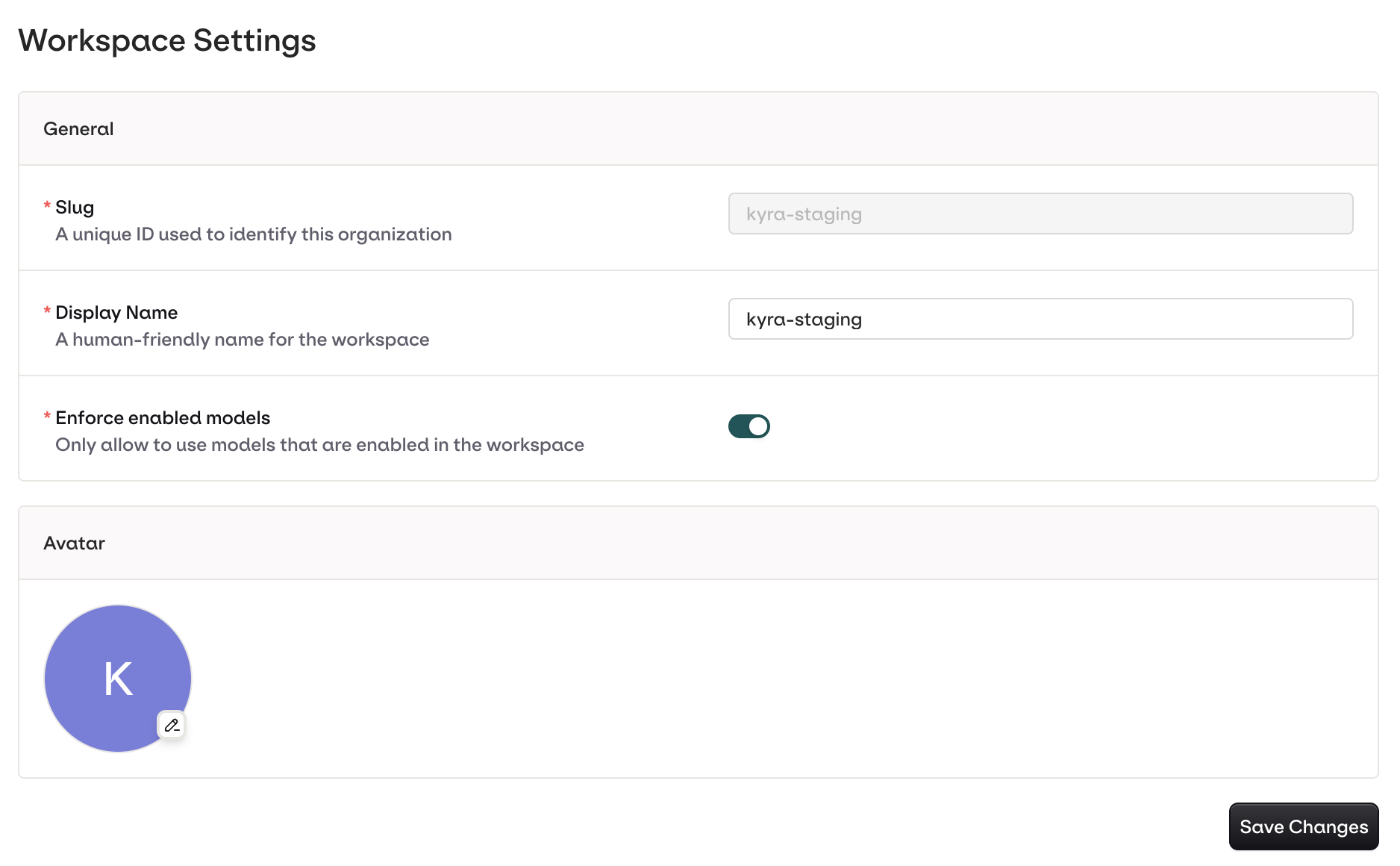
General Settings page showing workspace avatar, URL, name, and enforce-enabled-models toggle.
Only Admin and Owner roles can modify these settings.
The workspace URL (slug) is read-only and cannot be changed through the UI or API, as it is embedded in resource URLs and API credentials.
Enforce enabled models
When this toggle is off (the default), any model available through the AI Gateway can be used in Deployments, Agents, and Experiments, even if the model is not explicitly enabled for the workspace. When toggled on, only models that have been explicitly enabled in the workspace model list are available. Requests that reference a non-enabled model are rejected.API access
Workspace settings can be read programmatically:- Retrieve workspace settings: returns the current configuration including the read-only workspace key.