

Build Skills that carry more than one file. The Skill Studio edits 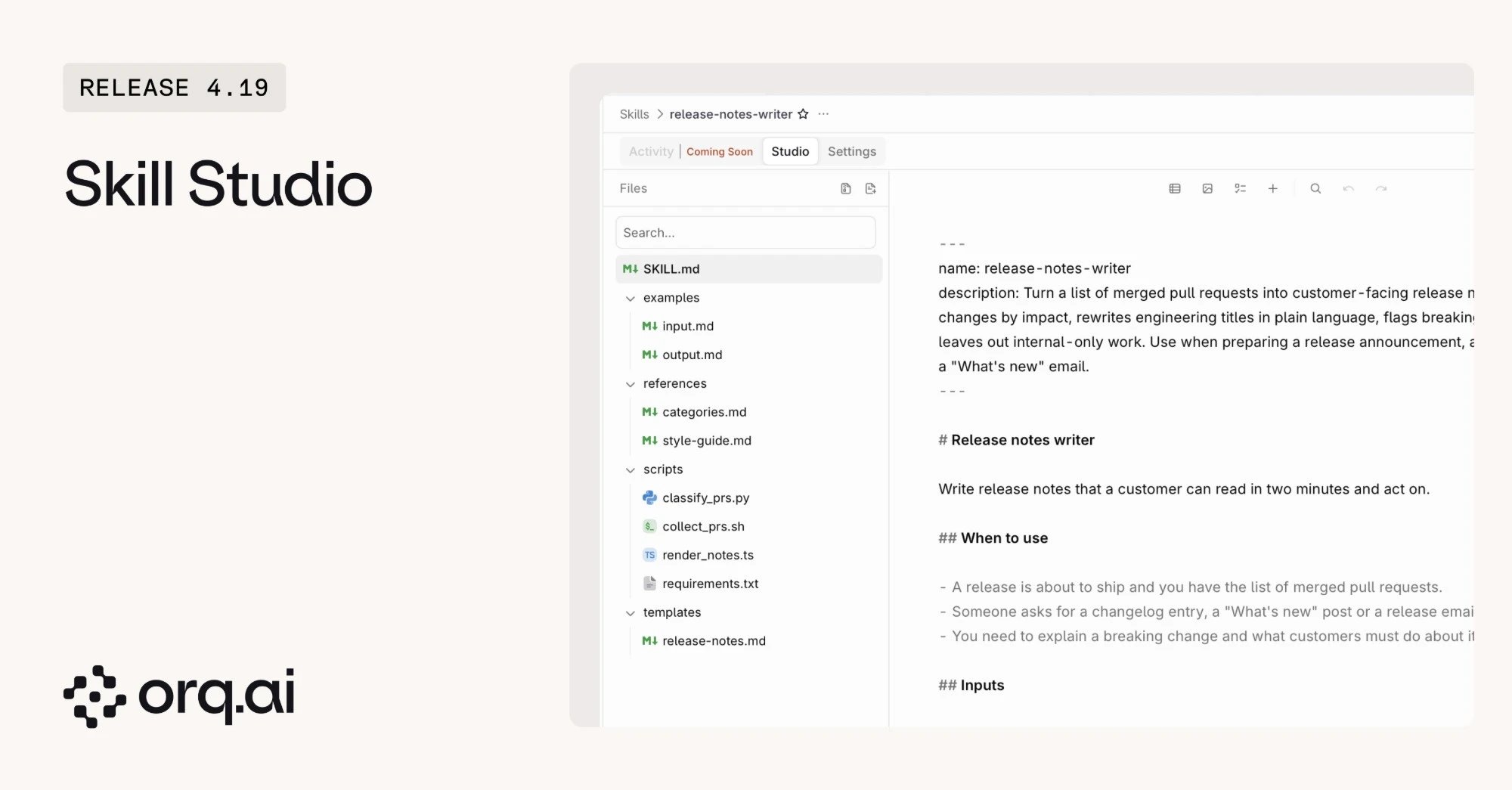
SKILL.md alongside scripts, references and templates in a file tree, imports ZIP bundles, and organizes Skills in folders.- Multi-file Skills: Add, rename and edit files and folders next to
SKILL.md, and Agents load the whole bundle. - ZIP import: Create a Skill from a ZIP bundle, or replace an existing Skill’s files with one.
- Organize Skills: Pick a folder on creation, move and favorite Skills, and filter the list by who last updated them.
Create a first bundle from the Skills guide.
Connect model providers without storing an API key in Orq.ai. OpenAI, Anthropic, Azure, Vertex AI and AWS Bedrock integrations can trust Orq.ai as an identity provider and receive short-lived credentials for each request.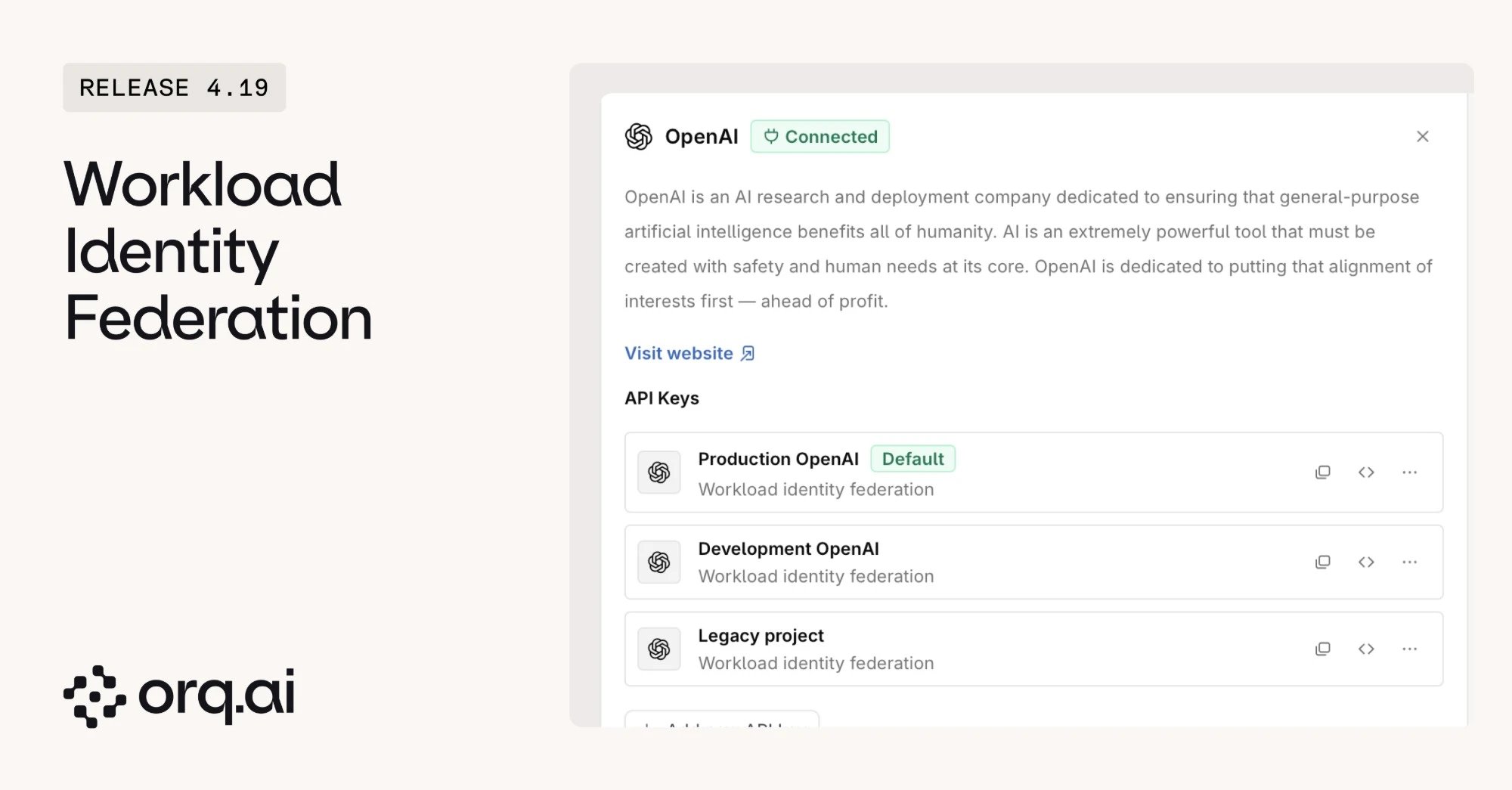
- No stored provider keys: Choose Workload identity federation under Authentication, and Orq.ai exchanges a signed token for provider credentials.
- Per-integration subject: Each integration has its own subject, so a provider rule trusts one integration in one workspace.
- Audited token signing: Every token Orq.ai signs for a provider shows in Audit logs, and rejected exchanges return the provider’s reason.
Register Orq.ai at a provider with the workload federation guide.
Send Orq.ai Traces to the observability backend the team already uses. Organization admins add OTLP/HTTP destinations, choose the Projects to include, and decide whether each destination receives metadata or full content.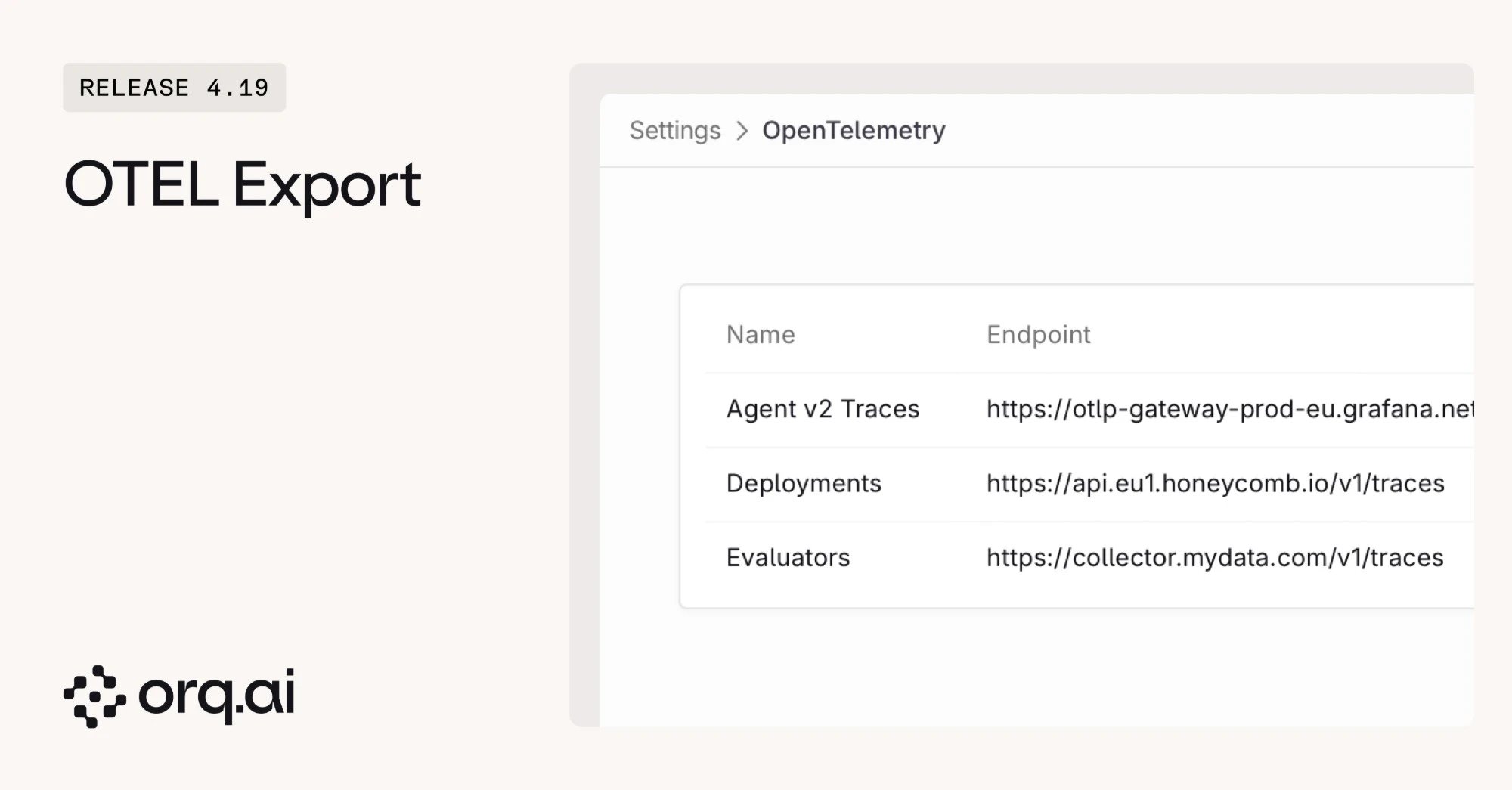
- Destinations: Add an endpoint and request headers under Settings > Organization > OpenTelemetry, or through the API with a Management Key.
- Content modes: Metadata only follows the OpenTelemetry GenAI conventions, and Full content adds messages and tool content.
- Delivery status: Failing destinations show the reason on hover and are disabled after repeated failed batches.
Connect a backend with the OpenTelemetry export guide.
- Deployments on the Responses API: Invoke a Deployment with
model: "deployment/<key>"on/v3/router/responses, and the requestmetadatapicks the variant through its routing conditions. - MCP resources and prompts: MCP Servers list upstream resources, resource templates and prompts, and each MCP Gateway chooses which ones it exposes.
- MCP server health: The MCP Portal can check each server on a schedule, shows its health history, and notifies when a server goes down or recovers.
- Native tool search: OpenAI tool search and Gemini tool retrieval pass through the AI Router natively.
- GPT-Live voice sessions: Connect to
openai/gpt-live-1.1over the realtime endpoint.
- Teams, Members and Roles: A redesigned settings page shows available members and Projects for each team.
- Reasoning tokens in Traces: Add a reasoning tokens column and filter on it.
- Request variables on spans: The span drawer shows the variables sent with a request.
- OpenTelemetry ingest: The span kind a client sends is kept, and cached, reasoning and audio tokens from GenAI semantic conventions are billed.
- API keys: Sort keys by creation date or last use, so admins can spot unused keys and delete them.
- Audit logs: Sign-in and sign-out events are grouped under Session.
- Anthropic Messages timeout:
timeout.call_timeoutworks on the Anthropic Messages endpoint.
New additions to the Model Garden. Browse details on the Supported Models page.
- AI Router: Text-like file parts (txt, csv, json, md) reach OpenAI Chat Completions instead of being dropped, and
/v3/router/modelshides models not shared with the caller’s Project. - Budgets: Fallback models are checked and charged against their own Budgets.
- Moved entities: Deployments and Agents moved to another Project are invoked from the new Project.
- Automations: Adding a trace to a Dataset keeps the input messages.
- AI Chat: Stopping a response no longer leaves two answers after a reload.
- Monitors and Recents: Monitors default to a 14-day range so their settings save, and Recents records tools, annotation queues, monitors and alerts.