

- Each employee can be invited as a Member
- A Member has one of three roles: Admin, Developer, or Researcher
- Members can be grouped into Teams
- Teams are assigned access to Projects
Members
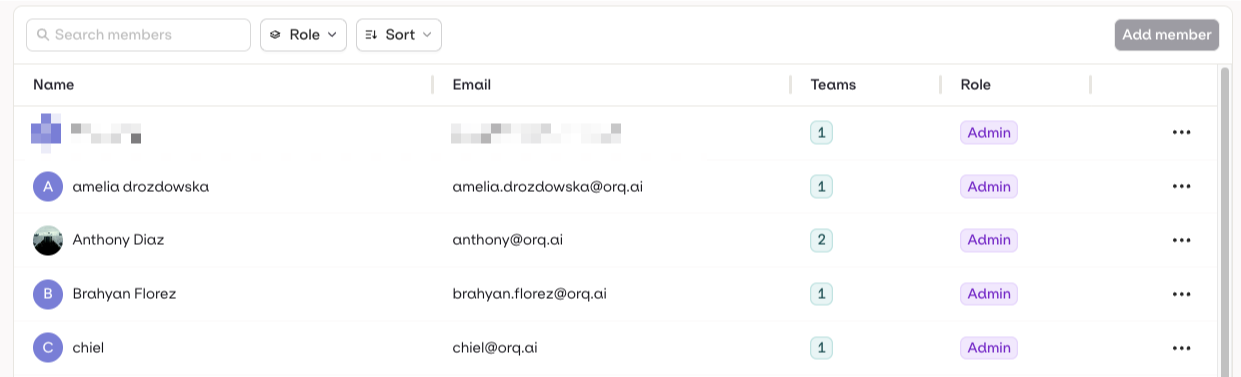
Adding a Member
On the Growth plan, you must have an available seat before inviting a new member. Manage your seats from Organization → Billing. See Seats for details.
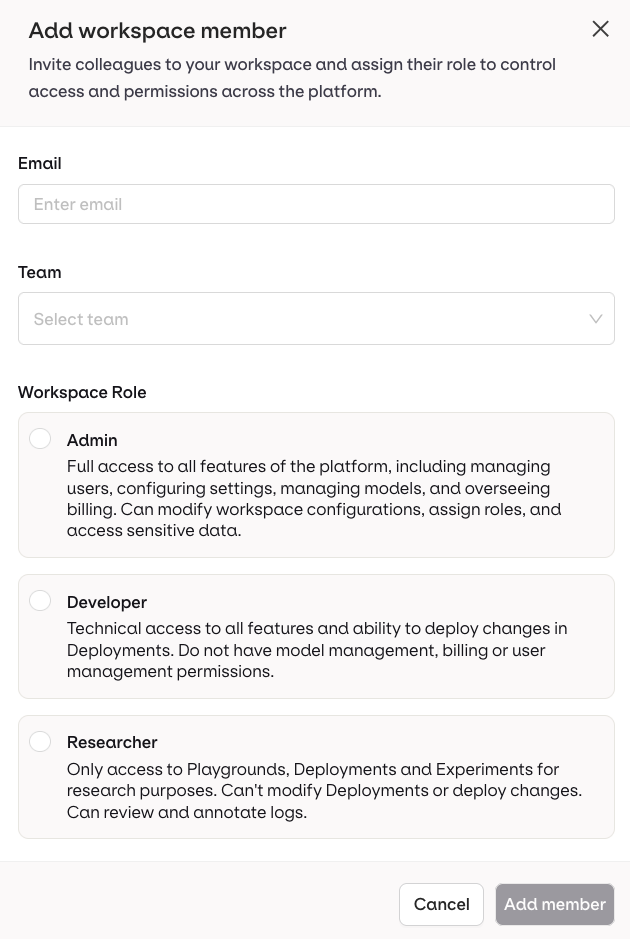
| Role | Description |
|---|---|
| Admin | Complete access across all platform features, including user management, workspace settings, model configurations, and Billing. |
| Developer | Technical access to all essential features, including the ability to deploy changes within Deployment. Developers cannot manage models, billing, or users. |
| Researcher | Full access to Playground and Experiments, but limited access to Deployments and Agents. Researchers can review and annotate logs but cannot modify or deploy changes. |
Teams
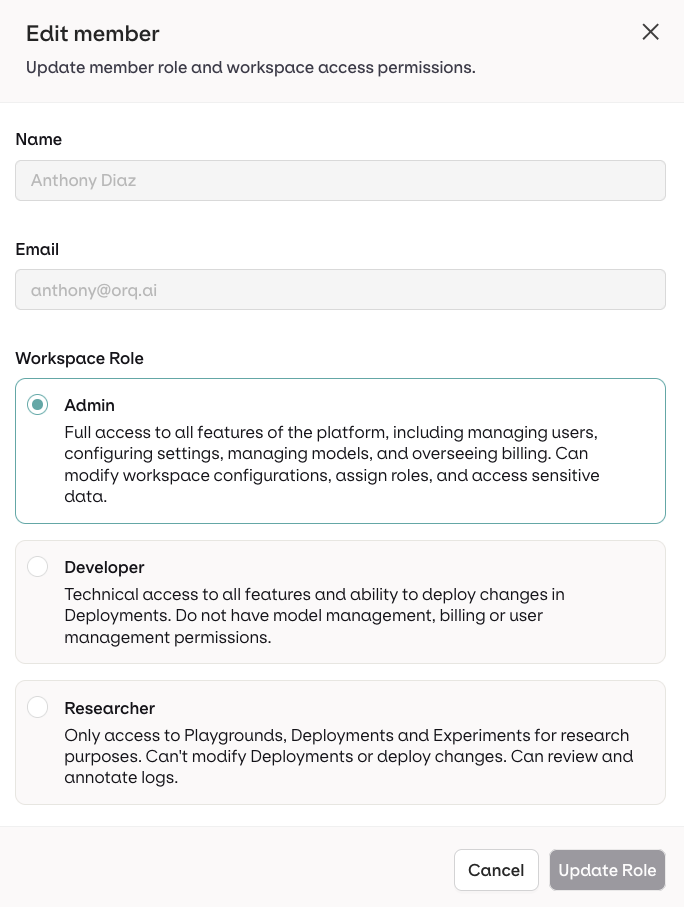
Teams let you group members and assign them to Projects. Members use their own role within each team’s projects. This lets you model access flexibly, for example:- Developers can belong to separate teams, sharing projects or working on independent ones.
- A Researcher can be assigned to multiple teams, contributing across several deployments.
Creating a Team
Go to Organizations → Teams and select Add Team. Enter a name and you will be taken to the team configuration screen.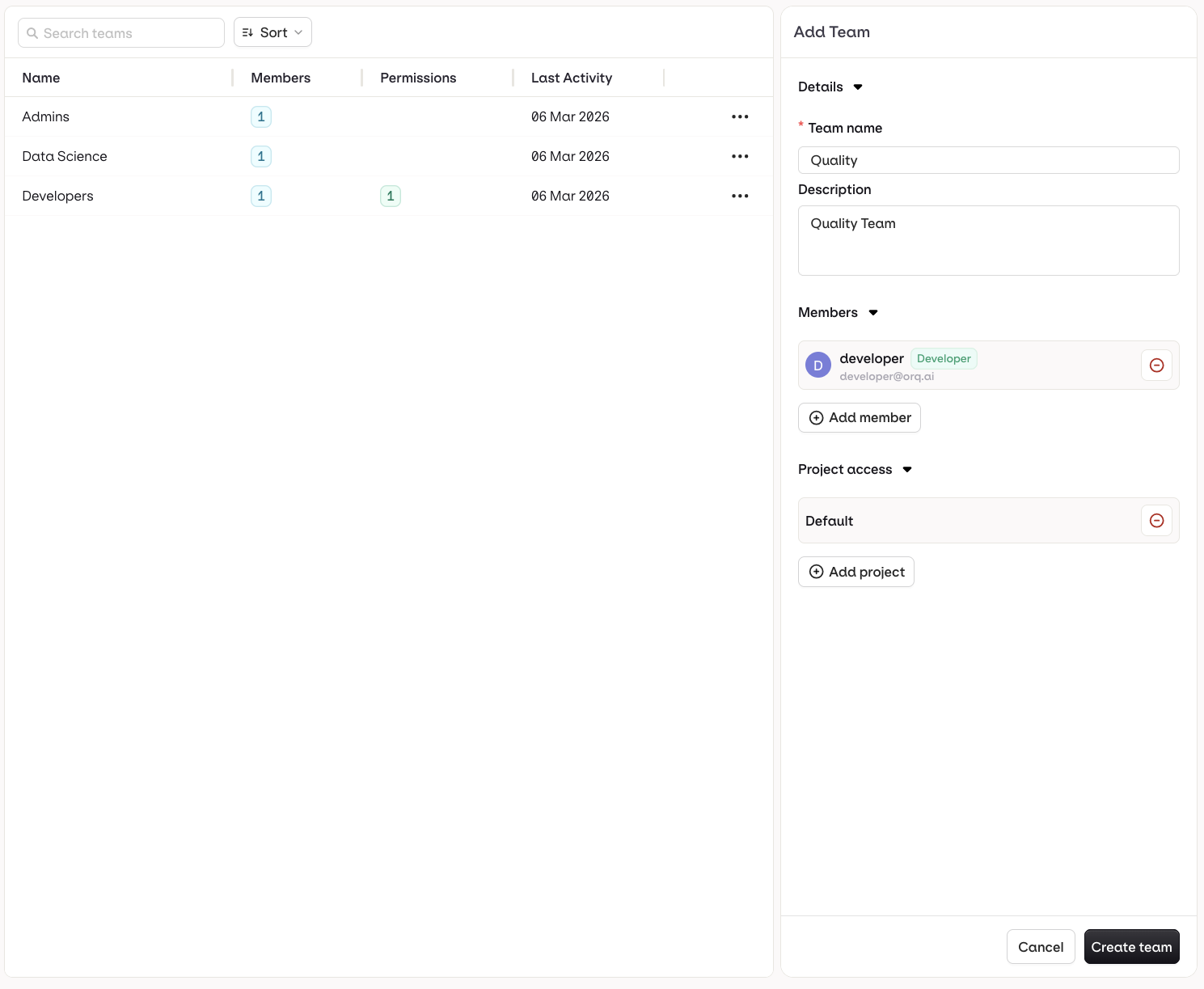
Assigning Members to a Team
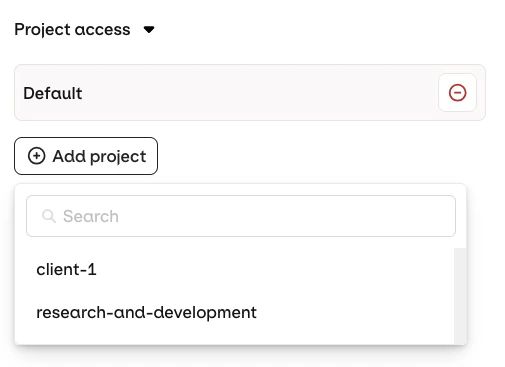
Choose Add a member and select a previously created member. Members use their own role within the team’s projects.Assigning Projects to a Team
Choose Add project and select a previously created project.To learn more about Projects, see Projects.