

Viewing Threads
To view Threads, head to the Traces section and select the Threads tab.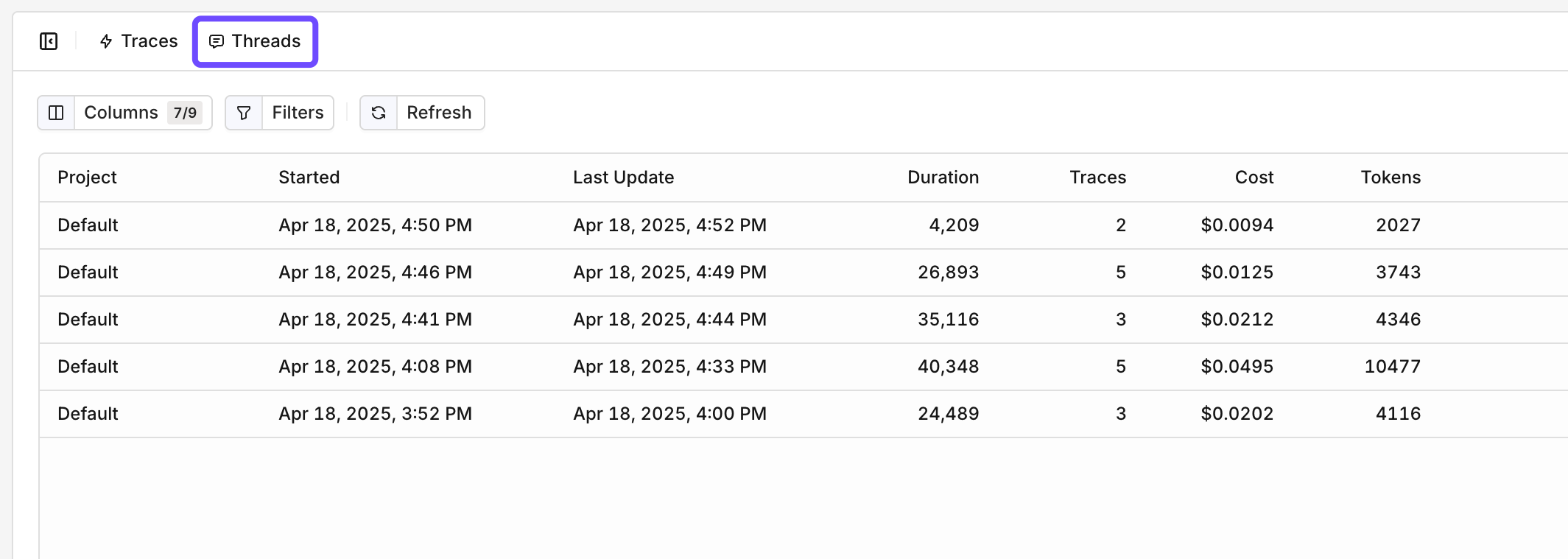
The Threads Overview, dates, duration, traces, and costs are available to see.
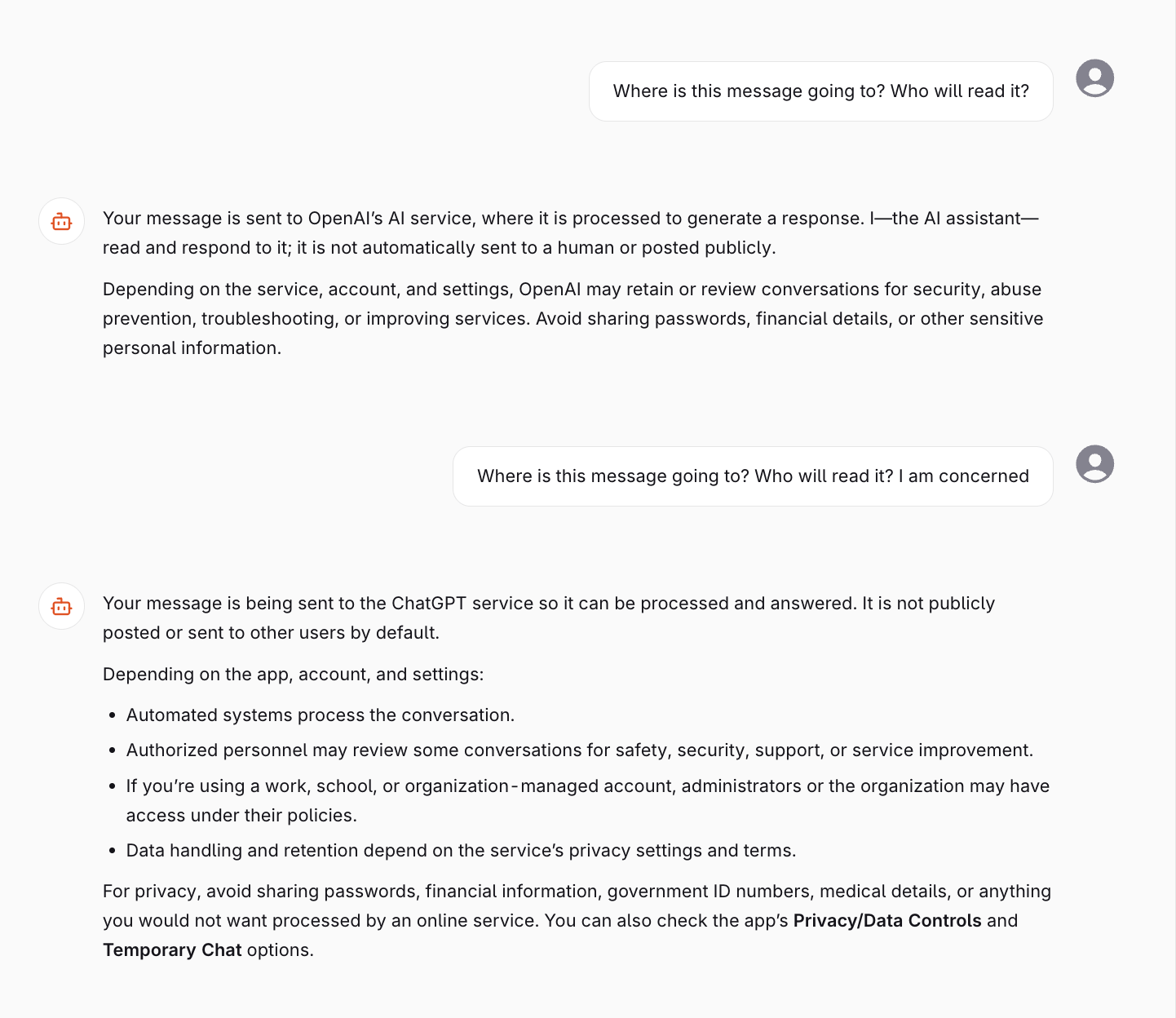
The conversation view of a Thread.
Adding a Generation to a Thread
Threads are configured at runtime when using the Invoke API for Deployments, or when invoking an Agent. The API receives the following extra parameter:Conversations will be grouped by Thread ID Tags can be used to filter and search Threads in the panel.
- Deployment Invoke
- Agent
AI Gateway Thread Management
Full API reference for attaching threads to AI Gateway Deployment and Agent invocations.